Virtual tour narration is the single most effective way to transform a passive viewing experience into an engaging journey. Have you ever noticed the difference between scrolling through a gallery of static 360 images and actually feeling like you are guided through a space? The secret ingredient is professional audio.
In this guide, we will explore how to use AI voiceover for virtual tours to add context, emotion, and depth to your projects inside The Third Product. We will compare top tools like ElevenLabs vs Google Studio AI, discuss script timing, and show you how to use interactive hotspots effectively.
In this guide (and the video above), we explore how narration transforms a standard virtual tour inside The Third Product into a guided, immersive storytelling experience. We will cover the best practices for script length, how to use hotspots effectively, and compare the top AI tools for the job.
Why Virtual Tour Narration Changes Everything
When virtual tour narration is turned on, a tour ceases to be a simple collection of panoramas. It instantly provides the viewer with essential context:
- Context & History: What are we looking at right now?
- Significance: Why does this specific location matter?
- Guidance: What is coming next in the tour?
Without voice guidance, users often click aimlessly and leave quickly. With a structured AI voiceover, you guide the viewer through a deliberate narrative arc, ensuring they don’t just “see” the pixels, but understand the story behind them. This increases “Time on Page” significantly, which is another huge SEO factor.

Best Practices: Timing and Hotspot
One of the most common mistakes creators make is overwhelming the viewer with too much audio at once. Here is the golden rule for balancing your content.
The 10-20 Second Rule
For most scenes, the main narration should be short—typically 10 to 20 seconds. Think of it as a calm voice-over that gently supports the visual without demanding full attention.
When to Go Deeper? Use Hotspots
What if you are creating an in-depth educational or historical tour? You might have a minute’s worth of interesting facts.
Do not put all of that in the main narration.
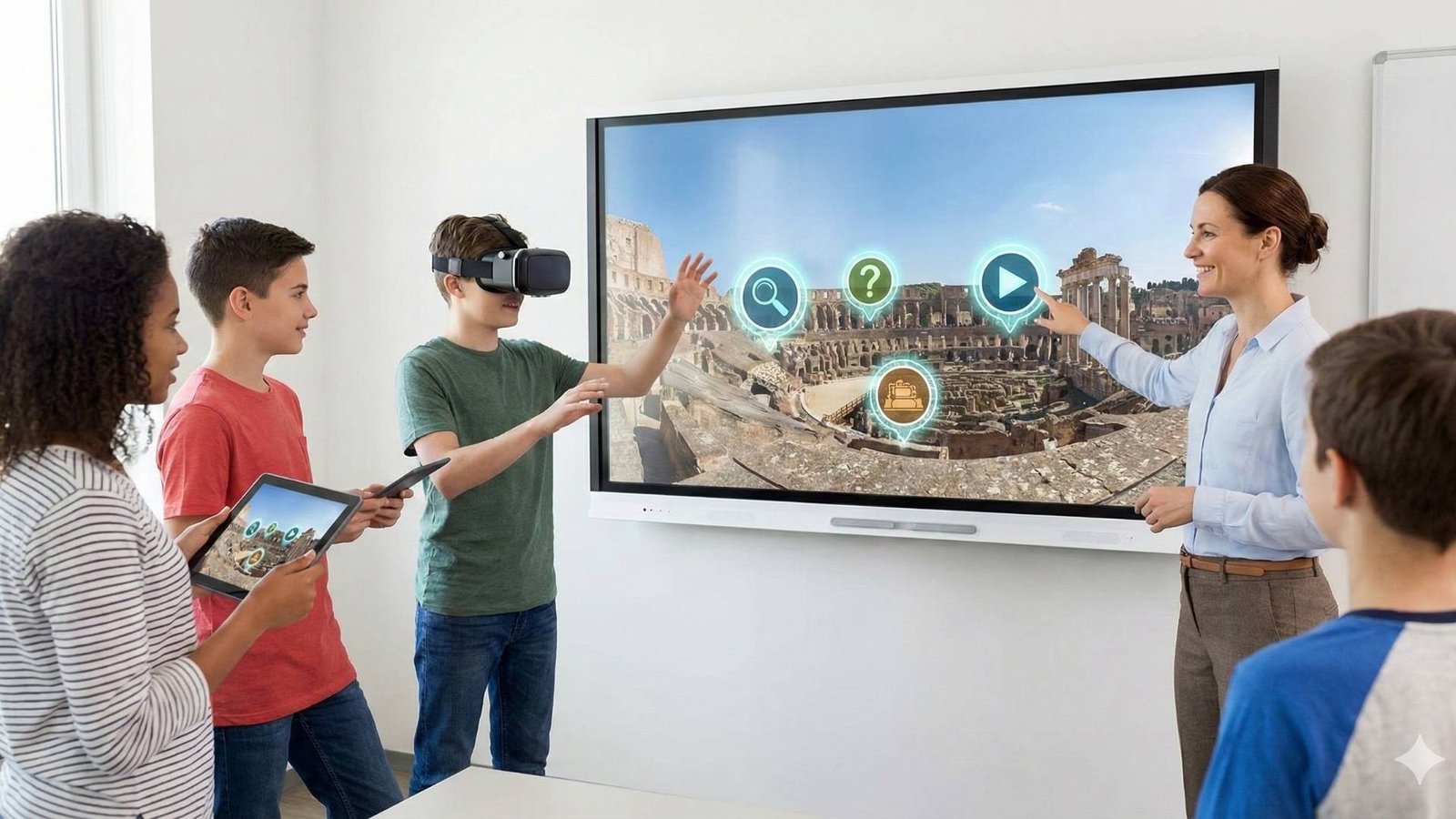
Instead, use Interactive Hotspots. Hotspots allow you to “hide” extended content within the scene. Viewers can choose to engage deeper by clicking to:
- Read detailed text.
- Watch supplementary videos.
- Listen to long-form narration segments.
This keeps the main tour clean and flowing while satisfying the curiosity of viewers who want more depth.
AI Voiceover Tools: Google Studio AI vs. ElevenLabs
To bring your script to life, you don’t necessarily need a professional recording studio. Here are the two tools I use for my tours.
1. Google Studio AI
Best for: Quick updates, budget projects, and simple informational tours.
- Pros: It is completely free and generates clean audio very quickly.
- Cons: Limited emotional range; sounds somewhat robotic compared to premium tools.
2. ElevenLabs
Best for: High-end tours, historical storytelling, and emotional engagement.
- Pros: This is a “voice actor on demand.” You can prompt specific styles, pacing, tones, and even breathing. The result is indistinguishable from a human narrator.
- Cons: Paid service (though worth it for premium results).
Bringing It All Together in The Third Product
Once your AI voiceover files are generated, the workflow to integrate them is seamless:
- Upload: Import your audio files into The Third Product media library.
- Assign Main Audio: Attach the short (10-20s) intro clips to the “Scene Entrance” event. This ensures they play automatically when a user enters the room.
- Create Hotspots: Attach the longer, detailed audio clips to specific hotspots within the 360 view.
- Test: Walk through the tour to ensure the audio levels are balanced and the timing feels natural.
By following this method, your tour becomes clearer, more alive, and perfectly guided.
Ready to start? Check out our pricing plans or watch the full video tutorial above to see these examples in action.