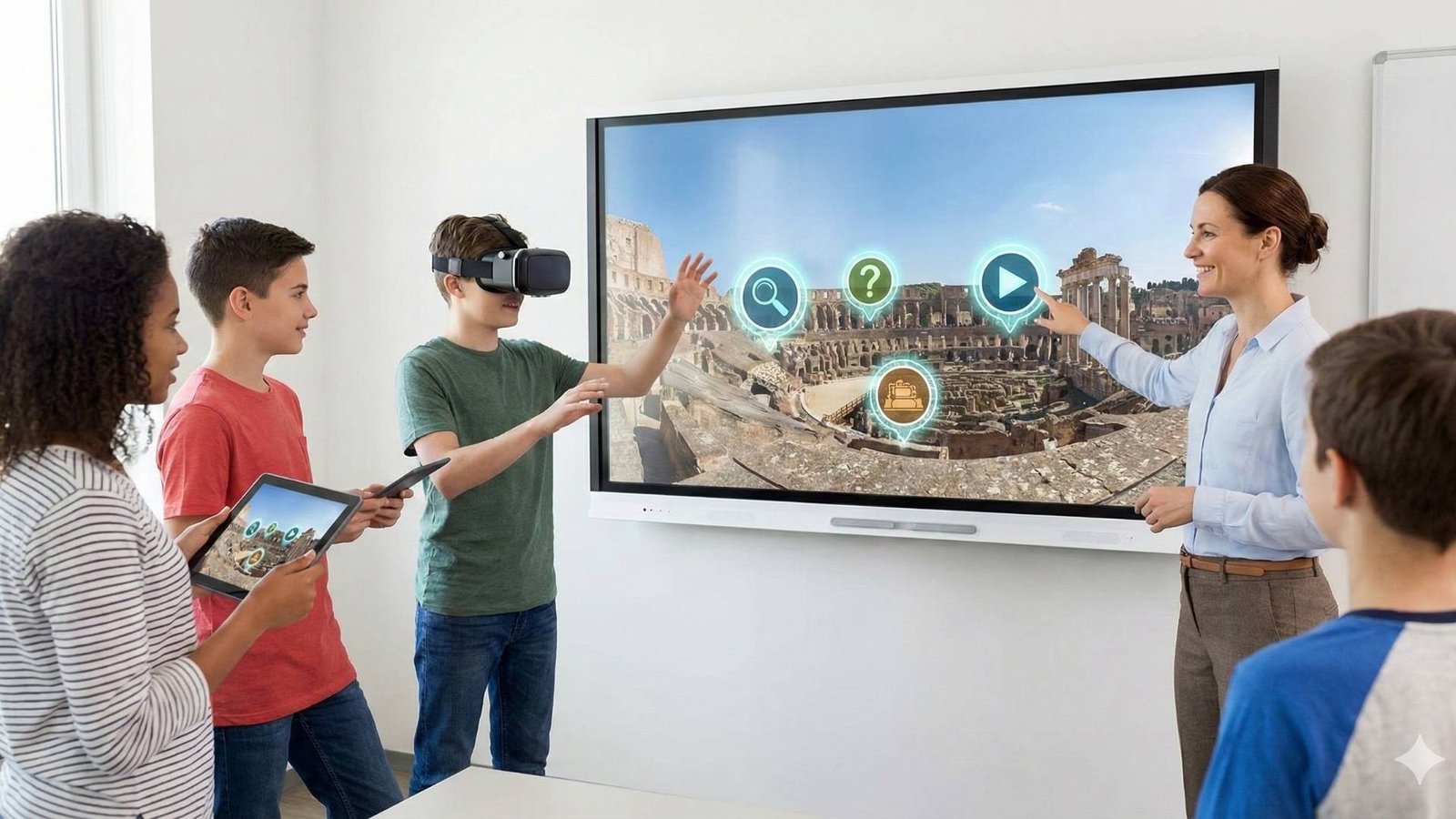
Looking for innovative ways to engage students? Interactive virtual tours for education are transforming the classroom from a passive viewing experience into an active learning adventure. Here is how you can master this tool.
The “Empty Museum” Trap
We all know the moment: Students enter a virtual environment (whether via VR headsets, tablets, or an immersive room), and you hear a collective gasp of “Wow, this is amazing!” They spin around, look up and down for about 90 seconds… and then? Silence takes over, or worse—boredom sets in.
Why does this happen? Because viewing is not learning. When we let students simply “wander,” they are like tourists lost in a massive museum without a guide. To be effective, interactive virtual tours for education must offer more than just a view; they must offer a challenge.
In this post, we’ll explore how to transform the virtual tour from a passive display tool into an active engine for inquiry.
1. The Scavenger Hunt: Activating Visual Attention
The simplest way to turn a passive viewer into an active participant is to give them an immediate visual task. This is the cornerstone of engaging virtual tours in the classroom. Instead of saying, “Look around the room,” try specific directives:
- “Find the object in the room that doesn’t belong to this time period.”
- “Locate the specific tool used to grind flour.”
The moment there is a search mission, the student scans the 360° environment meticulously. They stop staring and start investigating.
2. Hotspots as Questions: The Key to Interactivity
In most standard tours, we are used to clicking a Hotspot and receiving static information (e.g., “This is the Western Wall”). However, the best interactive virtual tours for education flip the script: Use Hotspots to ask questions.
- Instead of explanatory text, place a question mark. Clicking it presents a dilemma: “Why do you think the commander chose to position the lookout post exactly here?”
- Use Rich Media for clues: Clicking a point opens a short video or audio clip that provides a hint, and the student must complete the information based on what they observe in the environment.

3. Step into Character (Role Playing)
Virtual tours are powerful empathy tools. Instead of teaching history or biblical studies from a “top-down” perspective, let the student step into a character’s shoes. For example, in a tour of an archeological site: “You are a merchant arriving in this city for the first time 2,000 years ago. Look at the map—where would you go first to sell your goods?” When a student has to make decisions from within the tour, they retain the experience far better than by reading a textbook. This is active learning at its best.
4. The Hybrid Model: From Screen to Workflow
A common mistake is thinking everything must happen inside the tour. Successful implementation of virtual tours for education often combines the “Field” (the virtual tour) with the “HQ” (a worksheet, an external app, or a class discussion).
- The Data Collection Model: The student is “sent” into the tour to gather data (e.g., count the types of vegetation in a nature reserve) and returns to the software or class to analyze it.
- The Clue Model: The teacher sends a task to the student’s device; the answer is hidden inside the 360° tour, and the student must input the answer to unlock the next stage.
Conclusion: Technology is Just the Stage
A virtual tour, no matter how advanced, is ultimately just a “location.” The teacher (or content creator) is the director. When building or choosing interactive virtual tours for education, don’t just ask “Is it pretty?” Ask “What does the student DO here?” Once you integrate tasks, riddles, and dilemmas, you will find that students won’t want to leave the virtual space.
Takes things to the next level?
At The Third Product, we are dedicated to bridging the gap between technology and pedagogy. Whether it’s through LearnFlow—our software designed to let teachers send real-time tasks within virtual environments—or our 3walls immersive rooms that turn the experience into a collaborative group event, we are here to help you create truly interactive virtual tours for education. [Contact us for a demo]