A step-by-step guide to building an interactive 360° experience
Step 1: Getting 360° Photos for Your Virtual Tour
Before you start building your virtual tour, you’ll need 360° photos of the place you want to present.
There are tworu main ways to get them:
- Use ready-made 360° images – These are professional panoramas available for purchase or licensing. However, finding quality material isn’t always easy, and the cost can be high. That’s one of the things The Third Product helps with — we also offer a growing library of high-quality 360° visuals you can use directly in your tours.
- Capture your own 360° images – Today, shooting your own panoramas is simpler and more affordable than ever. With a compact 360° camera, anyone can record immersive scenes. Still, remember that post-processing is an important step: images must be stitched, leveled, and prepared before uploading to the platform.
Want to master the editing process? Read our full guide on From Camera to Virtual Tour: Editing 360° Photos to learn how to stitch, patch, and perfect your images.
Step 2: Build Your First Virtual Tour — Free, Forever
With The Third Product, learning how to create a virtual tour is simple and engaging. You can build one full virtual tour for free — and it will stay online and shareable forever.
Your free tour can include up to seven scenes, each representing a different spot or moment in the experience.
Beyond the technical part of uploading 360° photos and defining scenes, it’s important to think about storytelling.
A great virtual tour doesn’t just show locations — it tells a story.
Unlike a physical visit, where you must follow a fixed walking route, a virtual tour gives you complete creative freedom:
you can design a journey that “flows” naturally from scene to scene, or create a map-based tour where visitors jump to any place and return whenever they wish.
This is a key part of how to create a virtual tour that truly connects with your audience — guiding exploration, building curiosity, and bringing each scene to life.
We’ll dive deeper into storytelling and structure in a separate post soon.
Step 3: Add Hotspots
This is where the magic happens 🎯
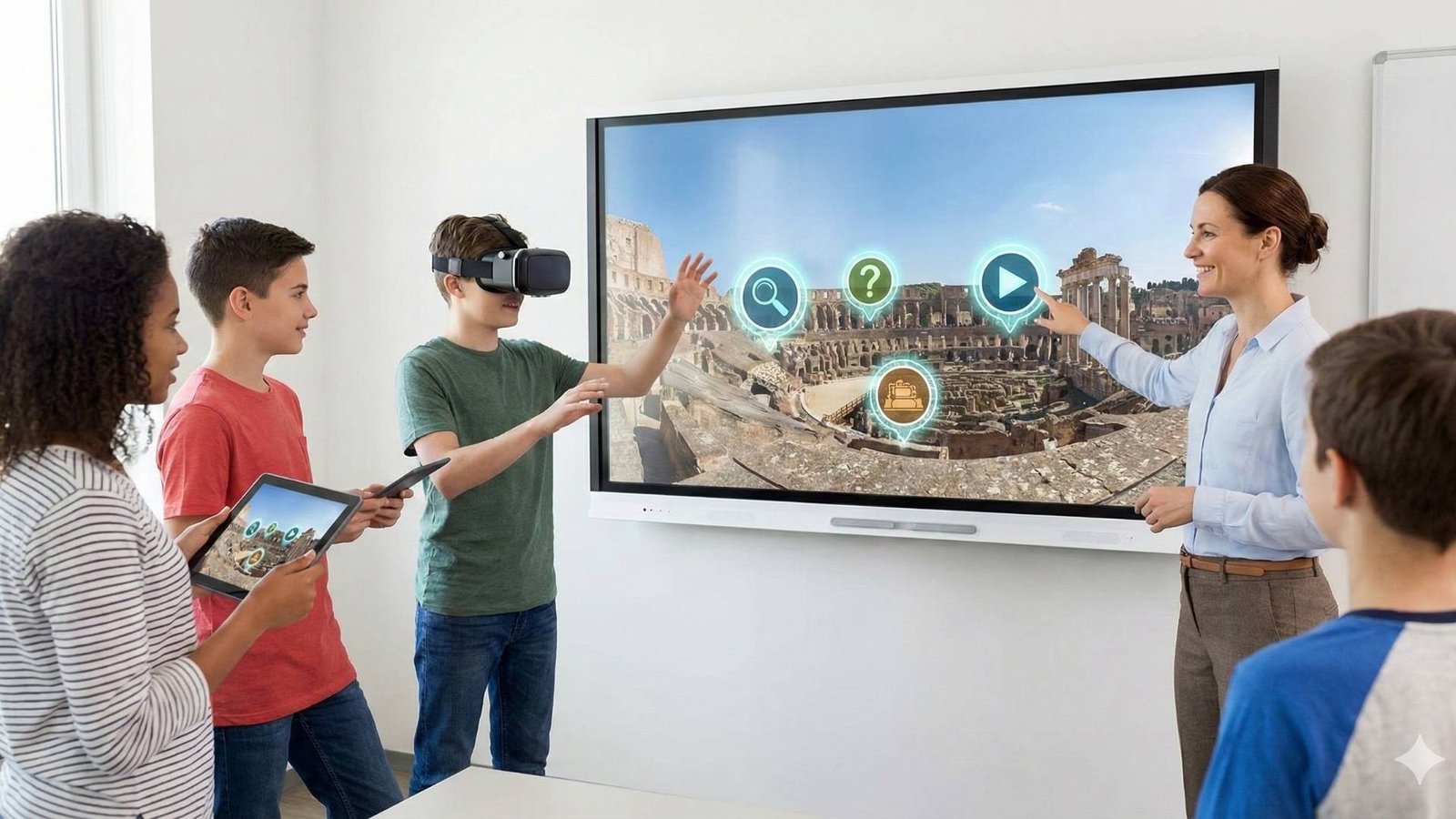
Enhance your virtual tour with interactive hotspots that invite visitors to click, listen, and explore:
📝 Info – Add text explanations, short descriptions, or contextual notes that help tell the story behind each scene or describe specific elements within it.
🖼️ Media – Include images or videos to enrich the visual experience and highlight key moments or details.
🔊 Audio & Narration – Add ambient sound or recorded narration to guide your visitors. Want to learn how to create professional voiceovers using AI? Check out our full guide on Virtual Tour Narration: From Photo Gallery to Immersive Story.
🌐 Embedded link – Display a live webpage inside the tour window (fully interactive — users can scroll, click, and engage).
🧭 Scene transition – Connect one scene to another to create smooth navigation through your virtual environment.
💬 Each hotspot type comes with its own predefined icon and style, so you don’t have to worry about complex settings.
You can simply adjust the size and placement to fit your design — keeping the process clean, simple, and focused on storytelling.
Step 4: Share Your Tour with the World
Your virtual tour is fully responsive — it looks great on both desktop and mobile devices, and soon it will also be compatible with VR headsets for an even more immersive experience.
Once you finish building, you can generate a shareable link — either permanent (no expiration) or time-limited, depending on your needs.
You can send the link directly to others or embed the tour on any website or learning platform.
Every tour includes a built-in view counter, so you can track how many people have explored your creation.
So what are you waiting for? 🚀
Go ahead — create your first virtual tour today!
📸 Need help preparing your 360° media?
Learn the complete process of shooting, stitching, and editing 360° photos before you start building your tour.
👉 From Camera to Virtual Tour – Editing 360° Photos and Videos
📷 Learn the Essentials of 360° Photography
Before you start building, master the art of capturing high-quality 360° photos — the foundation of every immersive tour.
👉 How to Capture 360° Photos for Virtual Tours