The Common 360° Mistake
Most people who use 360° cameras never stop to take still photos.
They just hit record and capture everything — hiking, biking, or exploring.
It feels easier to keep filming and “grab a frame later.”
But then, when it’s time to upload a 360° photo to Facebook or add one to a virtual tour,
you realize — you only have video.
Don’t worry. There’s an easy fix.
The Solution: Extract a 360° Photo from a 360° Video
With Insta360 Studio, you can turn any frame from your 360° video into a high-quality 360° photo in just a few clicks.
Here’s how:
- Open your 360° video in Insta360 Studio.
- To view the scene properly in 360°, click the pen icon on top — this enables Preview Mode.
- Scroll through the timeline and pause on the exact frame you want to capture.
- Switch to the eye icon — this shows the equirectangular (2:1) view of the full 360° image.
- Click the small square icon with scissors, labeled Take Snapshot — not the Export button.
- The software will instantly save that frame as a JPEG in 2:1 aspect ratio — perfect for virtual tours or Facebook 360° photos.
And that’s it — no need to reshoot or edit a full video.
Why This Matters
Extracting a still image from your 360° footage is more than a shortcut — it’s an essential trick for:
- Virtual tour creators who need panoramic stills in 2:1 format.
- Travel vloggers who want quick social posts from 360° footage.
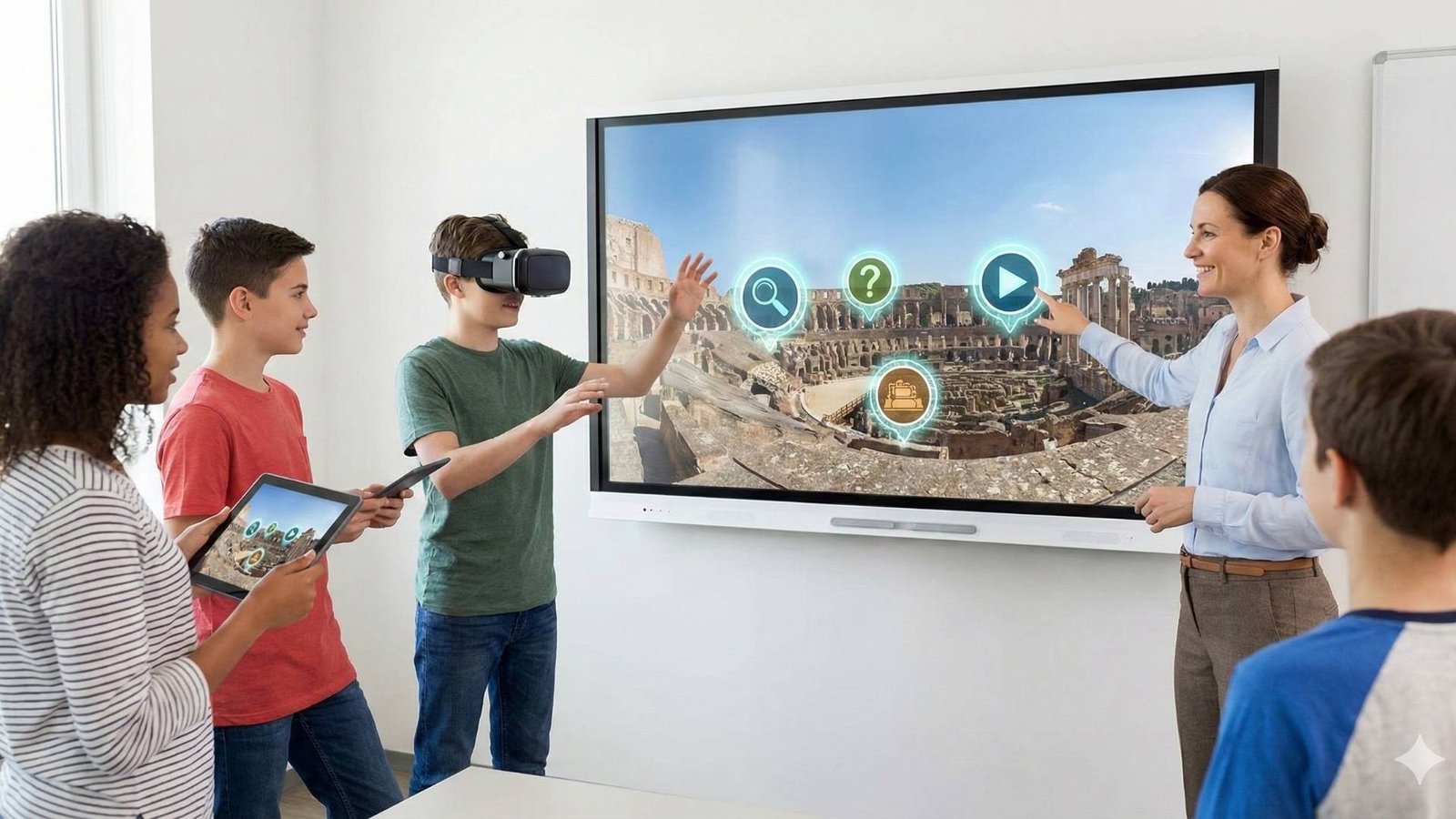
- Educators and explorers building immersive lessons and interactive content.
By saving single frames, you can repurpose your video footage into beautiful 360° photos — ready for web, social, or VR.
Bonus Tip: Frame it Right
When selecting your frame, look for a balanced horizon and minimal motion blur.
If your subject was moving fast (like on a bike), pick a moment when the camera was stable — it’ll make your 360° photo look sharper and more natural.
The Third Product — Explore. Create. Connect.
At The Third Product, we help creators, teachers, and explorers turn their 360° media into immersive stories.
Whether you’re capturing the world, designing virtual tours, or teaching through experience — our platform connects it all.